How to clean up a dispatch dashboard in Google Sheets
Clean up a dispatch dashboard in Google Sheets: stop duplicate rows, standardize formatting, show live wait time, and build a simple ETA model.
Trigger: New file received
Action 1: Check file format
Action 2: Route through Google Drive
Action 3: Convert to required format
Action 4: Verify conversion
Action 5: Forward to destination
PDF to Word:
    - Save to Drive
    - Use Google Docs conversion
    - Download as DOCX

Images to PDF:
    - Collect in Drive folder
    - Convert to PDF
    - Merge if needed
If: Conversion fails
Then:
    - Notify admin
    - Store original
    - Add to retry queue
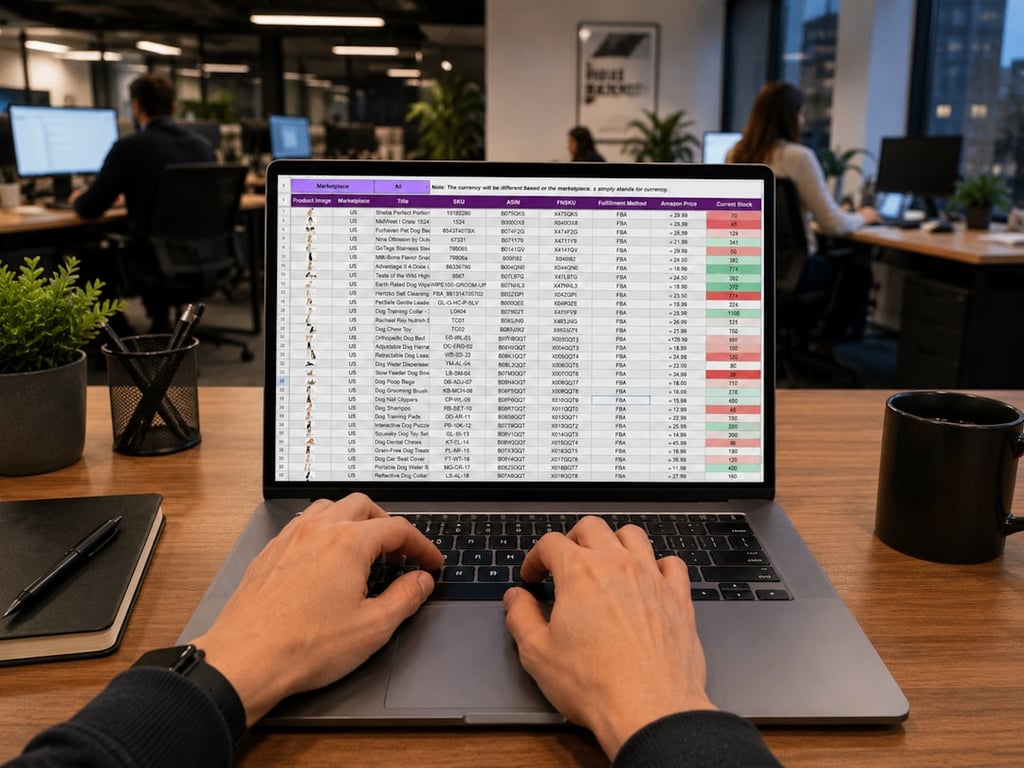
Clean up a dispatch dashboard in Google Sheets: stop duplicate rows, standardize formatting, show live wait time, and build a simple ETA model.
Build an automated crawler that finds broken links and missing images, logs each issue to Notion, and routes fixes to an owner, so you skip the manual audits.

Fix QuickBooks duplicate customer email domain issues with Zapier Formatter and API-based lookup. Reduce duplicate records, failed receipts, and manual cleanup.
