Supabase vs BigQuery for 200k+ Airtable migrations (agency decision guide)
Supabase vs BigQuery for large datasets: Supabase wins for day-to-day ops (auth, RLS, CRUD). BigQuery wins for analytics at scale. See how agencies choose.
If you’re migrating a large Airtable base (75k–200k+ records) because performance and automation latency are starting to hurt, choose Supabase when you need a true operational database with authentication, row-level permissions, and an app UI your team will actually use day-to-day. Choose BigQuery when you need a true analytics warehouse for cheap at-rest storage, extremely fast aggregate reporting, and you’re okay building an app layer elsewhere.
Photo by Jens Lelie on Unsplash
For most agencies doing a “client ops migration” (Airtable → something that can power day-to-day workflows), the practical path is:
Supabase as the system of record (Postgres + Auth + RLS + API)
BigQuery as the analytics layer (optional, for heavier reporting later)
Looker Studio for reporting (when you’re ready to dashboard)
The core difference (in one sentence)
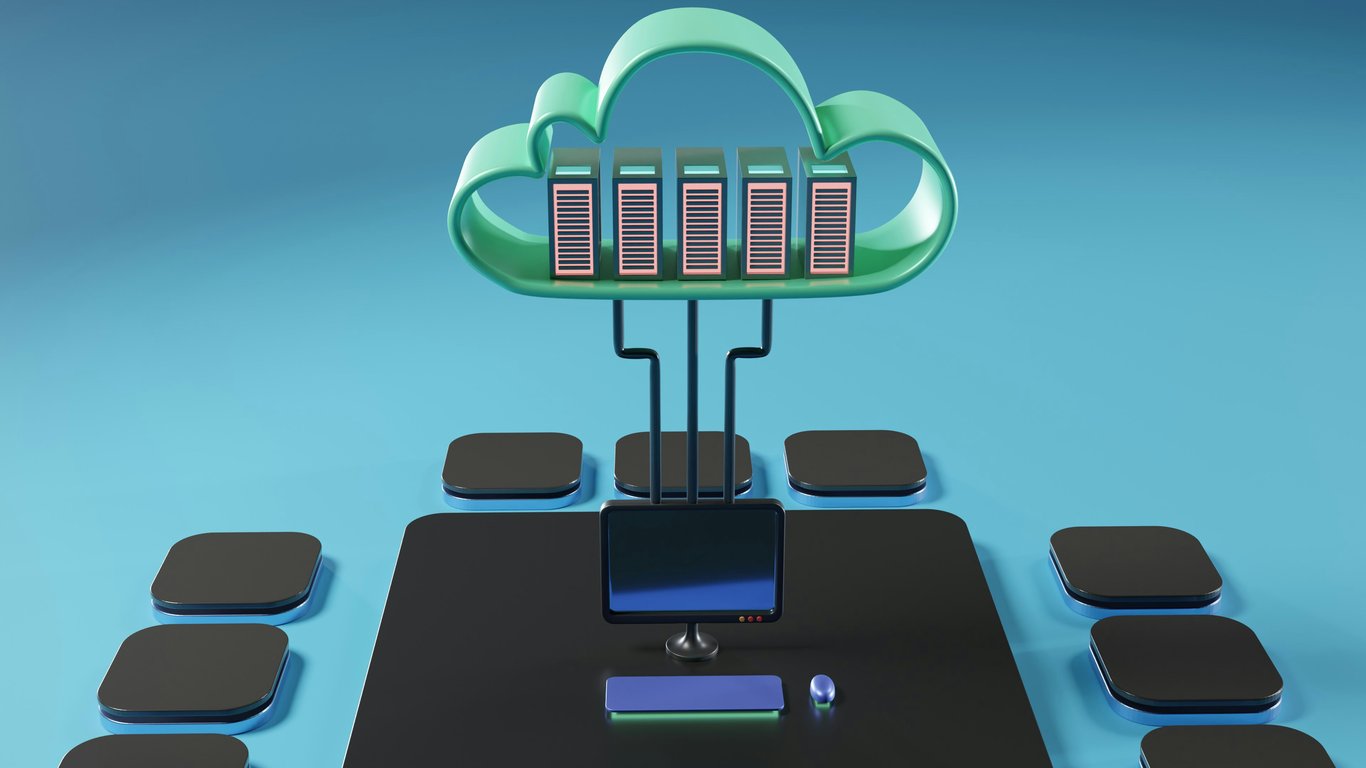
Supabase = application backend (Postgres + Auth + APIs + realtime), great for write operations + workflows + permissions.
BigQuery = analytics warehouse (columnar + serverless), great for read-heavy reporting + aggregates at scale.
When Airtable starts breaking down (and why agencies feel it first)
Airtable is excellent up to a point, but large bases tend to slow down as you add:
lots of linked records + lookups + rollups
heavy formulas and recalculation chains
frequent automations and API traffic (Zapier/Make, scripts, syncs)
At 75k–200k+ records, these issues often show up as “everything feels laggy,” not just hard record limits.
If that’s the reality, you’re not “using Airtable wrong” — you’ve outgrown a spreadsheet-like model and need a more scalable data architecture.
Decision matrix: Supabase vs BigQuery (for large Airtable migrations)
Dimension
Supabase (Postgres)
BigQuery (Warehouse)
Best for
Operational workflows, app backends, CRUD
Analytics, BI, aggregations, dashboards
Data model
Row-based relational (Postgres)
Columnar storage optimized for scan/aggregate
Write patterns
Frequent inserts/updates OK (normal database workloads)
Best for batch loads / append-heavy; updates possible but not the main strength
Auth + permissions
Built-in Auth + Row Level Security (RLS)
IAM-based access at project/dataset/table level; app-style per-row permissions require extra architecture
App UI
You’ll likely build one (or use an admin UI). You can ship internal tools fast
Not an app UI; you connect BI tools or build an app elsewhere
Reporting / BI
Can do reporting, but at scale you’ll want a BI layer or warehouse
Excellent for BI; pairs naturally with Looker Studio and other tools
Cost predictability
Subscription + usage tiers; easy to explain to clients
Pay-per-query / capacity; can be very cheap or surprisingly expensive without guardrails
AI access
Easy to connect via Postgres drivers/CLI; great for agent workflows
Great for SQL analytics; LLM tooling often loves BigQuery datasets for analysis
Recommended migration paths (pick one)
Path A (most common): Supabase-first (ops database)
Pick this if you need:
a reliable system of record
Google-based authentication for internal users
per-client / per-user permissioning
an app experience that replaces Airtable views and forms
Model tables for analytics (star schema where possible)
Looker Studio dashboards for stakeholders
Separate operational system for forms/workflows (if needed)
Path C: Hybrid (Supabase + BigQuery)
Pick this when:
Supabase runs operations
BigQuery powers reporting, attribution, and heavy analytics
This is common for agencies: it keeps the app responsive while keeping analytics costs controllable and dashboards fast.
A practical checklist for agencies (before you pick)
1) Clarify the workload
Is this primarily an ops system (people entering/updating data all day)?
Or primarily an analytics system (stakeholders filtering dashboards)?
If it’s ops, favor Supabase. If it’s analytics, favor BigQuery.
2) Confirm permissions requirements
If you need “User A can only see Client A’s records,” you want a real app-style permission model (Supabase Auth + RLS is usually the simplest).
3) Decide what the UI should be
Airtable’s advantage is that it’s a UI and a database.
When you migrate, you need to choose your new UI approach:
Looker Studio for reporting (read-only, analytics)
Custom/internal tool UI for operational workflows (create/update)
4) Plan for AI + automation
If you plan to add AI assistants that query data, generate summaries, or run workflows:
Standard SQL + predictable schemas matter
CLI/database connections can be more cost-efficient than routing every interaction through expensive middleware
Common mistakes (and how to avoid them)
Mistake: Using BigQuery as your operational database because it’s “Google and scales.”
Fix: Use Supabase (or another OLTP database) for operations; keep BigQuery for analytics.
Mistake: Migrating the data but not the workflows.
Fix: Map Airtable views/forms/automations to new UI + triggers before you flip the switch.
Mistake: No cost guardrails on BigQuery.
Fix: Partition/cluster tables, use authorized views, set budgets/alerts, and avoid “SELECT *” dashboards.
Not sure which database fits your stack?
Tool comparisons only get you so far — the right choice between Supabase and BigQuery depends on what your team is already doing and where the friction lives. Book a ZoomFlow session and we'll walk through your specific migration case in 30 minutes. If the right call is obvious, you'll have it before the call ends.
A practical Salesforce to Airtable migration plan for CRM and production tracking: object audit, table mapping, status logs, dashboards, and permissions.
Fix Smokeball Outlook contact sync deduplication with fallback matching (email, then name, then phone) so updates hit existing contacts instead of duplicates.