If your Pipedream bill is creeping up, the fastest lever is almost never “optimize code” — it’s moving the highest-volume workflows to a flat-fee automation tool (when the workflow type allows it). Here’s a practical playbook for pipedream cost reduction by migrating selected workloads to Pabbly Connect, while keeping Pipedream for the workflows that truly need it.
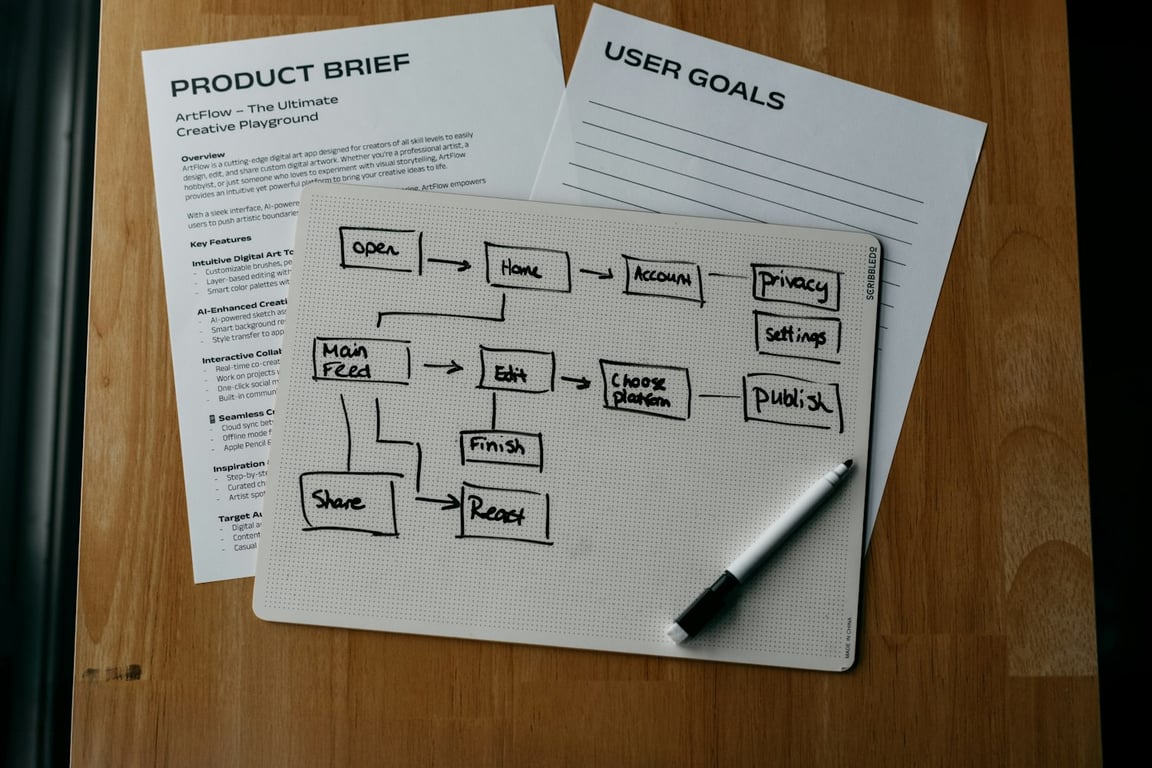
Photo by Campaign Creators on Unsplash
Why Pipedream costs spike (and why high-volume workflows are the culprit)
Pipedream charges based on compute usage (“credits”), not on the number of steps — which is great until you have a workflow that runs constantly (e.g., one run per call, per form submission, per webhook event). Pipedream’s own pricing docs explain the credit model and how memory settings multiply credit usage (see: https://docs-proxy.pipedream.com/docs/pricing/ and https://pipedream.com/docs/pricing/faq).
In practice, that means your top few workflows (by run count × runtime × memory) often account for most of your spend.
The migration strategy (what to move first)
Move first: high-volume, low-complexity workflows
Start with workflows that are:
Triggered frequently (webhook per event, per call, per lead, etc.)
Mostly “glue work” (routing, formatting, pushing data to another app)
Not dependent on Pipedream-only features
In Connex's case, the obvious candidate for our Pipedream cost reduction was the agent analysis workflow — it runs for every call and is one of the top volume scenarios.
Keep in Pipedream: workflows that are hard to replicate elsewhere
Plan to keep workflows in Pipedream if they require:
Complex custom code execution and debugging workflows
Advanced concurrency / event processing patterns
App coverage gaps in the tool you’re migrating to
Example: phone-system edge cases (like certain Dialpad-triggered flows) may be difficult to fully migrate if the alternative tool doesn’t support the exact triggers/actions you rely on.
Step-by-step: reduce Pipedream spend by migrating to Pabbly Connect
Step 1: Identify your “top 3” cost drivers
Make a short list:
Workflow name
Trigger type (webhook, schedule, app trigger)
Approx runs/day
Avg runtime (seconds)
Memory setting
If you don’t have exact numbers handy, start with a directional guess — you’ll validate after the first migration.
Step 2: Do the math (simple ROI estimate)
Calculate an approximate monthly cost driver:
Runs/month ≈ runs/day × 30
Credits/run ≈ (runtime in 30s blocks) × (memory multiplier)
Then ask: If this workflow moved to a flat plan, would we materially reduce spend?
Step 3: Pick a “first workflow” migration (the safest win)
Choose one workflow where:
Failure is recoverable
You can test with a subset of events
You can run both systems in parallel for a short period
Step 4: Upgrade / provision the target platform
For the Connex migration, the team moved to Pabbly's Unlimited plan (month-to-month) so testing wouldn't be constrained by task limits. This kind of automation strategy— knowing which workflow to move first — is where migrations succeed or stall.
Step 5: Rebuild the workflow in Pabbly (mirror the minimum viable path)
In your first iteration:
Recreate the trigger
Recreate only the core actions
Add basic error handling (retry / alert)
Avoid “perfecting” the workflow. The goal is to confirm reliability and cost impact.
Step 6: Test reliability under real load
Run a structured test:
Test single events end-to-end
Test batches (simulate your peak hour)
Confirm data integrity (payload fields, formatting, downstream writes)
If needed, temporarily duplicate writes:
Send results to a test destination
Or write to a separate “staging” table / sheet
Step 7: Cut over cleanly (and keep a rollback)
When stable:
Disable or throttle the original Pipedream workflow
Promote the Pabbly scenario to production
Keep a rollback plan for 7–14 days
Step 8: Repeat for the next biggest workflow
Once the first migration is stable, repeat the same approach for the next high-volume workflow.
A quick decision checklist: “Should we migrate this workflow?”
Migrate if:
It runs frequently
It’s mostly routing / API calls / straightforward app steps
You can test it safely
Keep in Pipedream if:
It depends on specialized triggers/actions you can’t replicate
It needs heavy custom code + observability
Latency/reliability requirements are strict and you already have proven patterns in Pipedream
Common pitfalls (and how to avoid them)
Assuming every workflow is portable: app coverage varies; validate triggers/actions before committing.
Migrating too many workflows at once: do one, stabilize, then repeat.
Not measuring before/after: even simple run-count tracking will keep decisions grounded.
When this approach works best
This playbook is ideal when you have:
A small number of workflows driving disproportionate costs
Clear, repeatable triggers (webhooks / events)
Workflows that don’t require deep code or complex branching
Need help cutting your Pipedream bill?
Migrations like this usually stall when the wrong workflow gets moved first — the one where failure is hard to contain. If you want help mapping which Pipedream workflows to migrate and which to keep, we can walk through your setup on a live call.
See how a ~80-person UK signage manufacturer used Quickbase and SharePoint to launch rollout programmes from a template and track every site in one dashboard.
Embed a Notion view in Google Slides for auto-updating decks: build a filtered view, then link it, screenshot it, add a live frame, or rebuild it with Zapier.