Notion Workers: what they are + how to build and deploy one
Learn what Notion workers are, when to use them, and how to build, secure, deploy, and estimate cost for a worker on Notion’s developer platform.

Learn what Notion workers are, when to use them, and how to build, secure, deploy, and estimate cost for a worker on Notion’s developer platform.

Build a Notion code snippets database so your team can store, reuse, and share snippets with live links, without scattering code across old docs.

Too unique for automation? Turn custom workflows into repeatable triggers, clear handoffs, and safer decisions without forcing a rigid process.
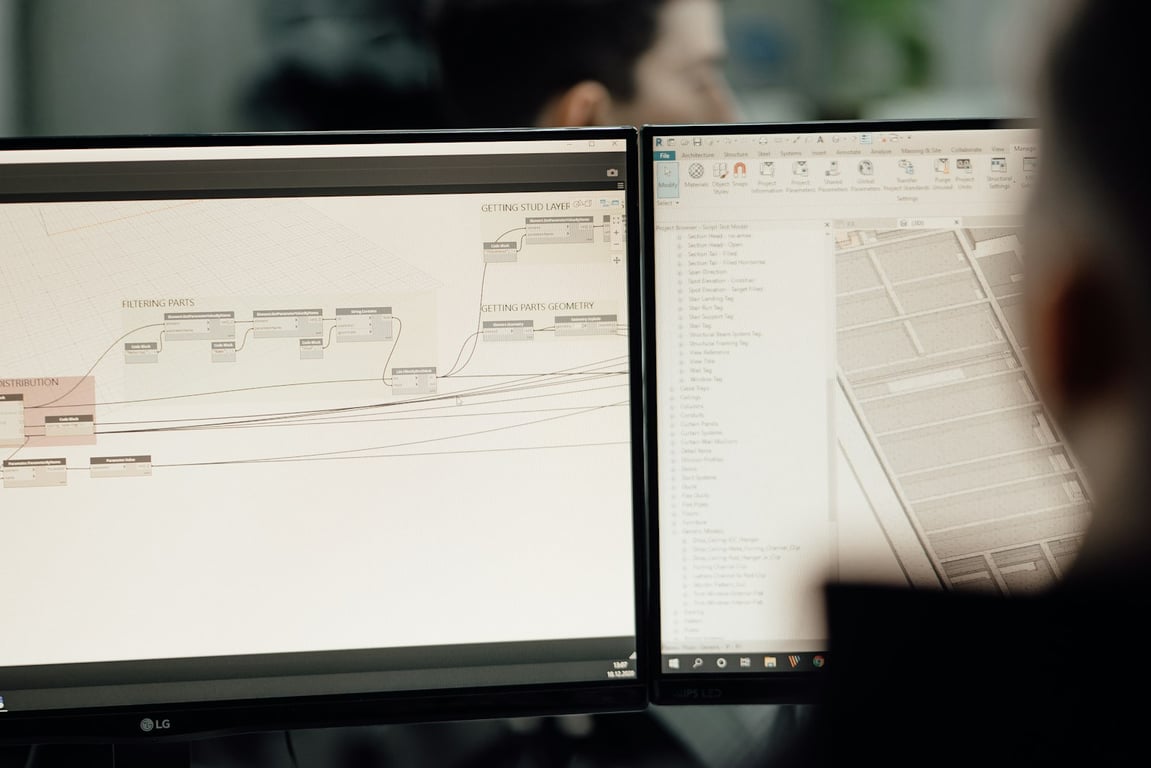
See how a ~80-person UK signage manufacturer used Quickbase and SharePoint to launch rollout programmes from a template and track every site in one dashboard.

Embed a Notion view in Google Slides for auto-updating decks: build a filtered view, then link it, screenshot it, add a live frame, or rebuild it with Zapier.
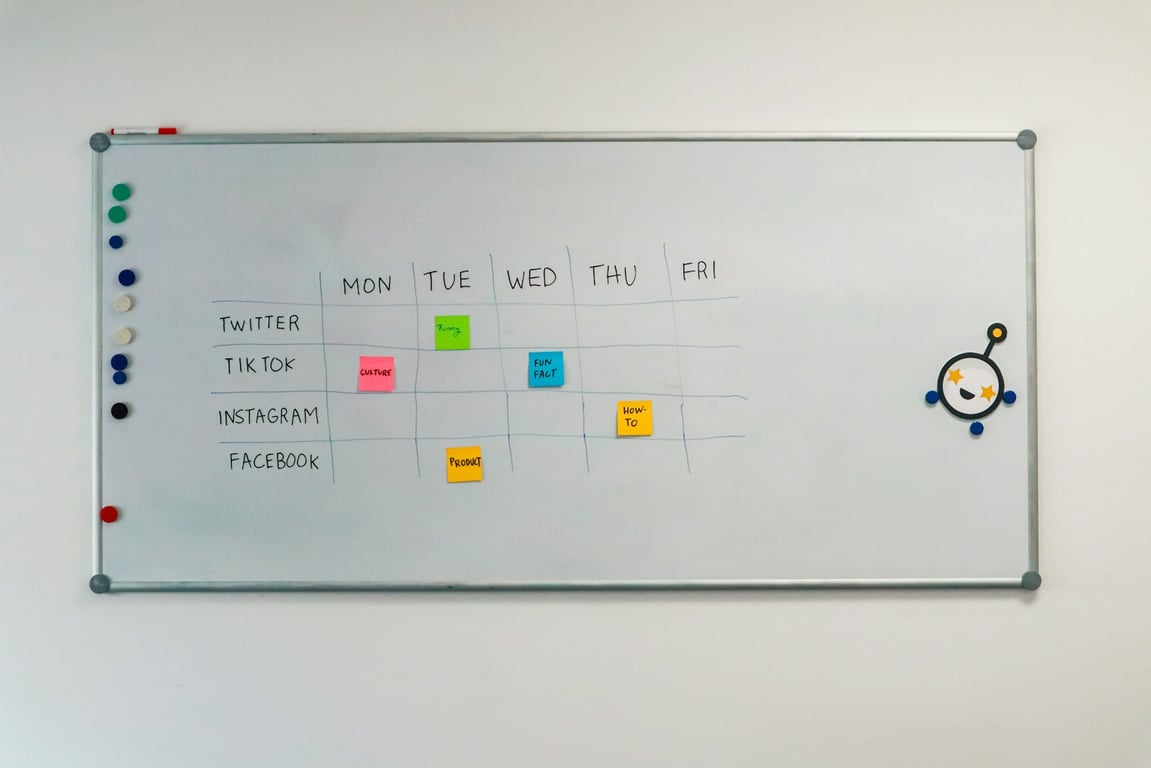
Build a repeatable reddit engagement strategy: monitor threads, route to Slack, draft ethical replies, and publish via an approval-based content calendar.

Build marketing automation workflows in the right order: SEO pipeline first, then social publishing, with a simple workflow map and step-by-step checklists.

A content agency produced 24 assets per cycle, all routed by hand. See how Connex automated their intake, file routing, and production handoffs.

Bullet + Notion website setup checklist for domains, logins, Weglot, access control, nav, and Mailchimp newsletter embeds—fix issues fast.
A Notion pointer page is a single, high-signal index that tells humans and AI agents where your databases, SOPs, and dashboards live—without bloating context.

Learn how to gate task creation with a “promo ready” checkbox in Zapier—avoid premature tasks, handle date changes, and send reminders 2–5 days out.

Automate comment replies in Notion by routing every message into one inbox, triaging by intent, and sending templated replies. Get the step-by-step workflow.

