How to Automate Jobber Scheduling with Zapier (Distance-Based Job Grouping)
Learn how to automate Jobber scheduling with Zapier: batch unscheduled jobs, group by distance, text customers to confirm, and update jobs via the Jobber API.

Learn how to automate Jobber scheduling with Zapier: batch unscheduled jobs, group by distance, text customers to confirm, and update jobs via the Jobber API.
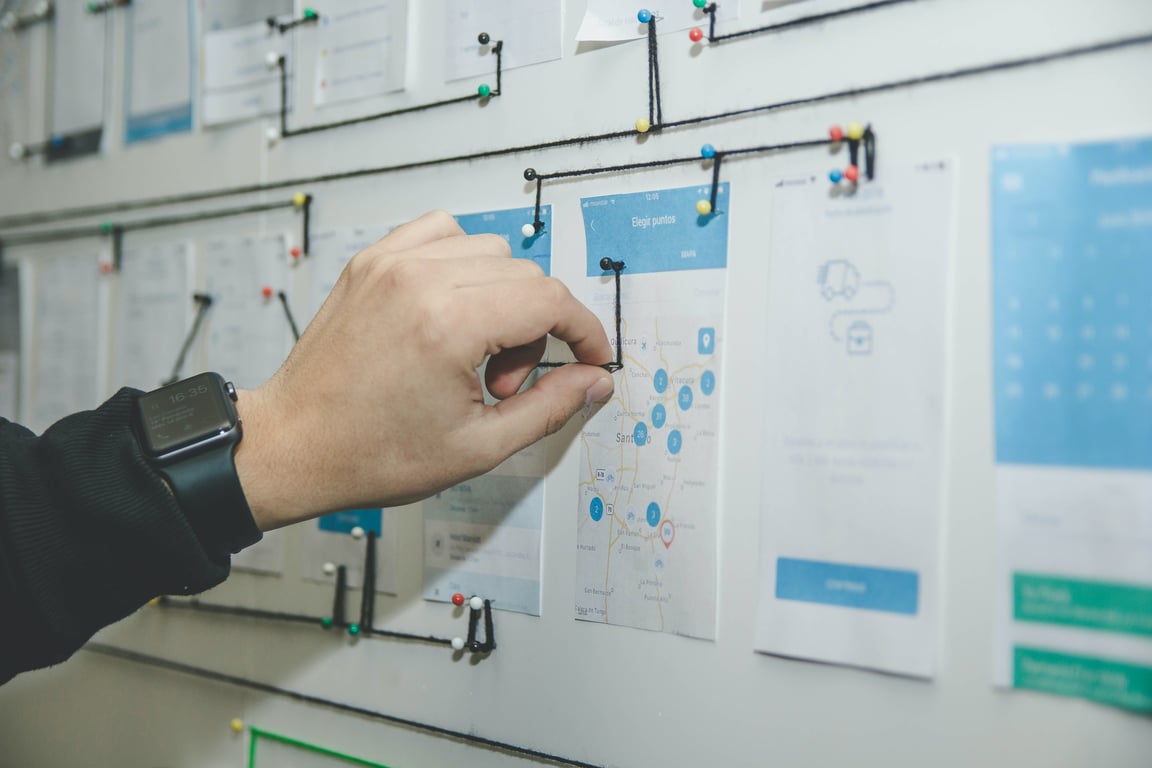
Learn when to use native Notion database automations versus third-party tools like Zapier and Make for your workflow automation needs.

Learn how to troubleshoot Motivosity API 403 errors and design a workflow that sends suggestion data to Monday.com before approval using Zapier.

Learn when and how to transition from page-based organization to database-based workflows in Notion for better automation and collaboration.

Microsoft deprecated legacy Outlook connections in Zapier. Learn how to reconnect, handle admin consent in Microsoft Entra, and restore broken Zaps.
Notion Slack notifications changed for many teams. Learn what likely changed, what is still supported, and 5 practical workarounds using automations.

Learn a simple, one-way Zapier setup to sync PracticePanther clients, matters, invoices, and payments into Notion, with rollups that track AR without manual work.
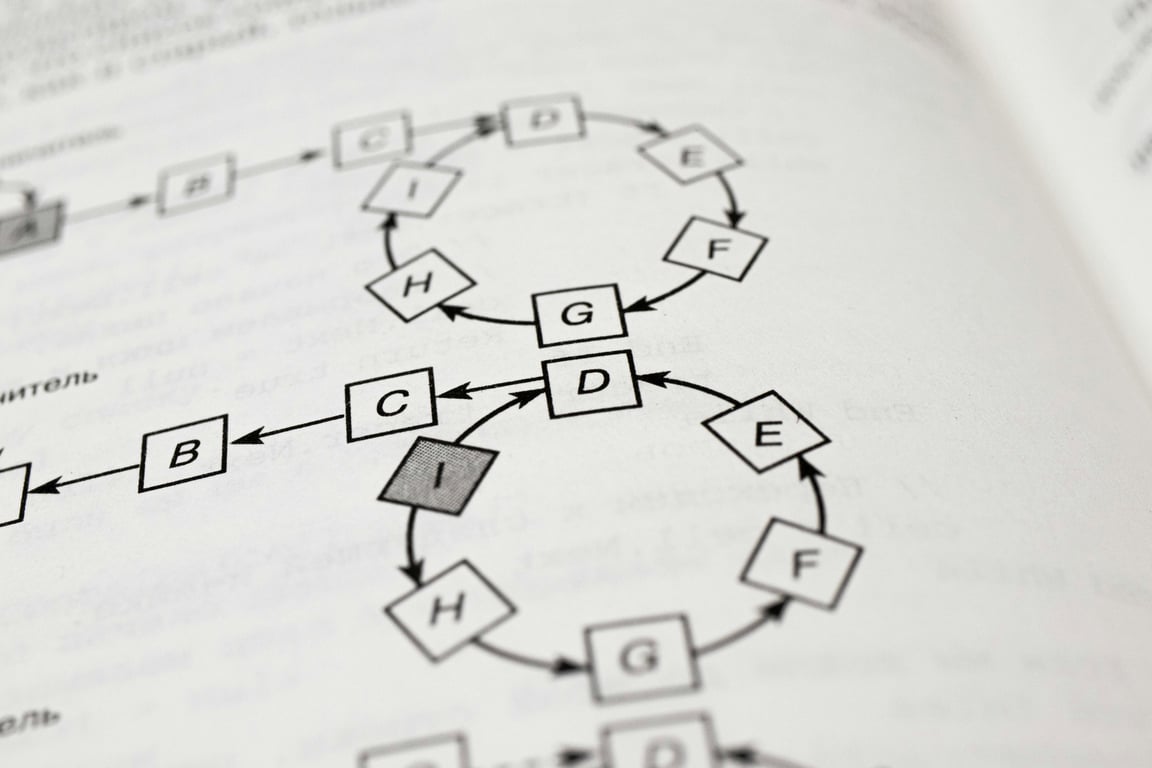
Learn how to organize Notion for companies with multiple teams using master databases, linked views, and team spaces. Best practices from certified Notion experts.

Learn how Notion page-level access controls which database records each user can see—perfect for teams that need private task visibility without multiple databases.
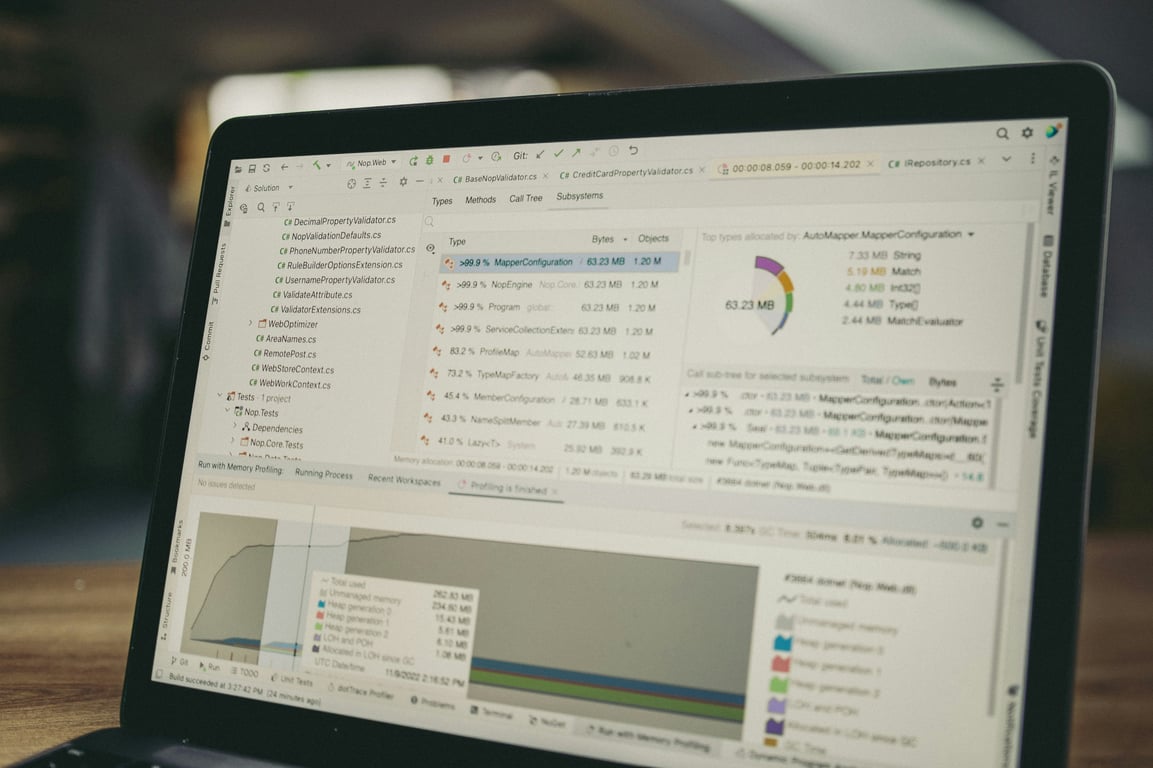
A Zapier automation consultant breaks down when to build a custom CRM vs. buy off-the-shelf, and how to fill every gap with smart automations.

Build a Notion task tracker for your marketing team: assign requests, set deadlines, create filtered views, and connect with Slack. No code needed.

Wondering what Notion actually replaces? Compare Notion to Slack, Excel, and Teams—learn what to switch, what to keep, and how to connect the tools you still need.


