How to Automatically Find Broken Links and Missing Images
Build an automated crawler that finds broken links and missing images, logs each issue to Notion, and routes fixes to an owner, so you skip the manual audits.
Explore business process automation insights, expert tips, and real-world case studies. Learn how to automate workflows, integrate apps, and boost efficiency.
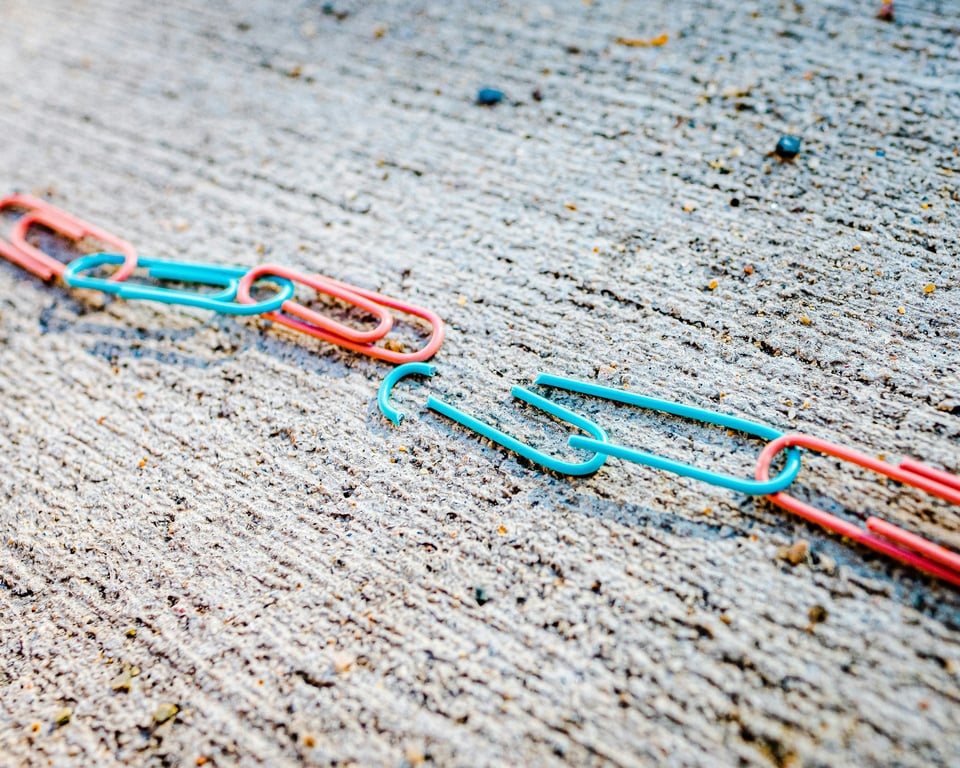
Build an automated crawler that finds broken links and missing images, logs each issue to Notion, and routes fixes to an owner, so you skip the manual audits.

Fix missing Zoom meeting IDs in automation pipelines with a root-cause checklist, logging, backfill steps, and guardrails to prevent silent failures.

Fix missing fields and duplicates when sending Facebook Lead Ads to Jobber via Zapier. Learn mapping, dedupe, and update flows to stop manual data entry.
Plan a BambooHR to CSI payroll integration with a one-way sync, scheduled runs + manual push, and effective-dated changes that land in the right pay period.

Ringba annotations missing? Follow this step-by-step debug flow across Ringba, Pabbly, and Pipedream to find gaps, fix filters, and prevent repeats.
Notion page permissions are page-level, not block-level. Learn how spaces, sub-pages, locked pages, and forms work so you can share content safely.

Microsoft 365 nonprofit scheduling automation: connect intake, eligibility review, self-scheduling, waitlists, SMS reminders, and RBAC on one Microsoft stack.
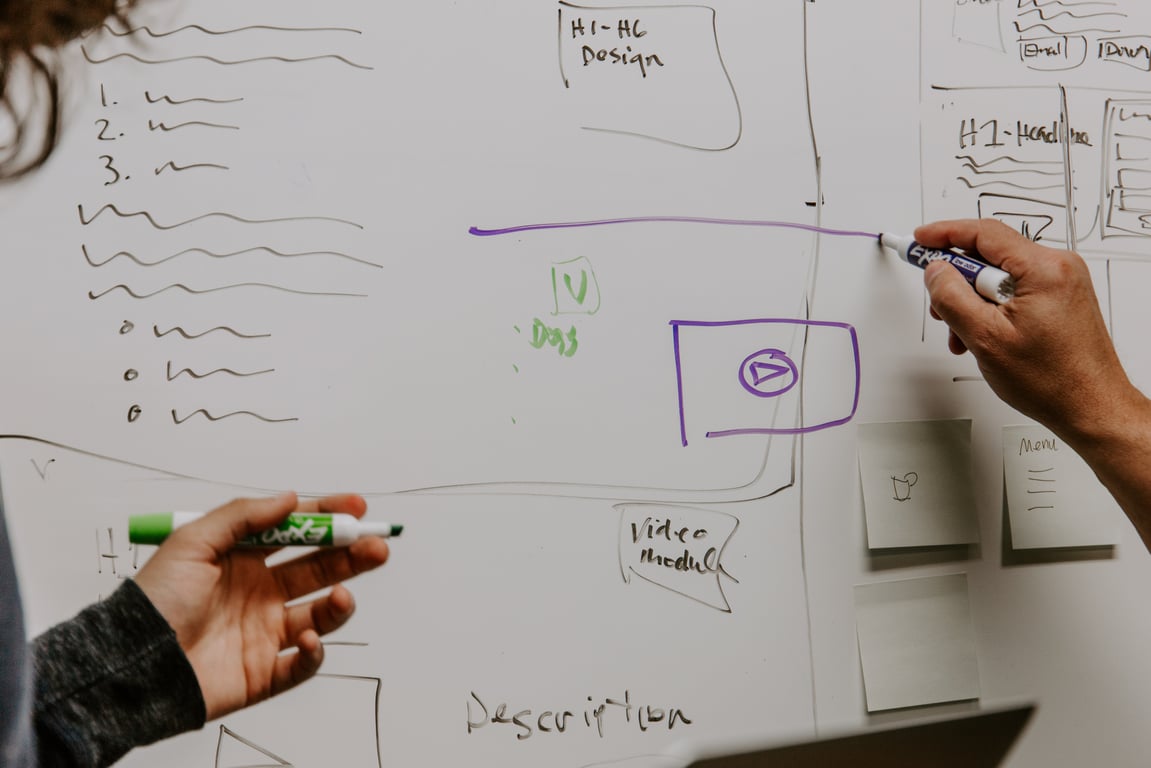
Plan a Confluence to Notion migration without breaking permissions or governance. Use this enterprise checklist for discovery, pilots, rollout, and cleanup.
Automate receipts and invoicing workflows for train and airline tickets: batch processing, PDF templates, and fixes for Zapier loop timing delays.
Automate monthly Salesforce exports from S3 + Google Sheets: pull daily files from S3, calculate member status in Sheets, and generate a weekly CSV in Drive.

Airtable + Fillout to Supabase + Next.js migration playbook: map schema and record IDs to UUIDs, rebuild form logic, retire Zaps, and cut over safely.

Set up Notion time tracking with one Tasks database, a Projects database, and linked views. Log work sessions across every project without duplicate task lists.


